
Follow the working day · South Africa
Laptop and tablet cover should follow the way you use them.
A laptop can be at home in the morning, in a client meeting at lunch and in a travel bag that evening. Check the owner, activity and location before treating one policy as protection for the whole day.
Locate the risk
Follow the device through four places
At home
Check whether the contents policy includes this device and event. A household theft benefit does not establish accidental-damage cover for every spill.
On the commute
Look for portable cover and any rules for a device left in a vehicle. A closed bag alone may not satisfy the theft conditions.
At work or campus
Check professional or student use, the owner and any shared use. Personal ownership and employer ownership need different questions.
Away overnight
Read territory, trip-duration and unattended-item terms. A worldwide label can still have limits on time abroad and storage.
Which policy should carry the device?
Start with what you already have. Adding a specified laptop can be worth comparing with standalone insurance, but only after checking accepted use, insured events and the total excess. Two policies may share one loss rather than pay twice.
| Route | Potential fit | Boundary to resolve |
|---|---|---|
| Home contents | A household device and insured home event | Item limits, accidental damage and away-from-home scope |
| Specified portable possessions | An individually listed laptop or tablet carried outside | Base policy, professional use and theft conditions |
| Standalone item cover | A person seeking cover for one device | Accepted owner, value, event and condition |
| Network device insurance | An eligible network-purchased device | Purchase window, SIM capability and network use |
| Business equipment insurance | Company assets or specialised working equipment | Portable use, employees, territory and loss of income |
Budget and Dialdirect both describe specifying valuable portable items. Momentum Select names laptops among daily belongings; Santam’s all-risk brochure also lists them. Those product descriptions are starting points for an acceptance check, not confirmation that every business laptop is covered.
Review household cover for the wider home inventory, or use the office equipment guide for the business package.
The owner changes the decision
Your laptop, used for work
Tell the provider how you earn income with it, where it travels and whether anyone else uses it. Naked’s single-item page expressly describes personal and professional use. Confirm the accepted terms for your item rather than applying that statement to another insurer.
Your employer’s laptop
Ask the employer or equipment manager which policy covers it, who must report a loss and whether personal use is permitted. Do not buy personal cover on the assumption that you own the asset. A signed equipment agreement and the employer’s insurance can have different functions.
A student’s tablet
Record whether the student, parent or institution owns it. Check use at campus, accommodation and during travel, alongside the accepted policyholder and user. A contents policy at a family home may not answer all those locations.
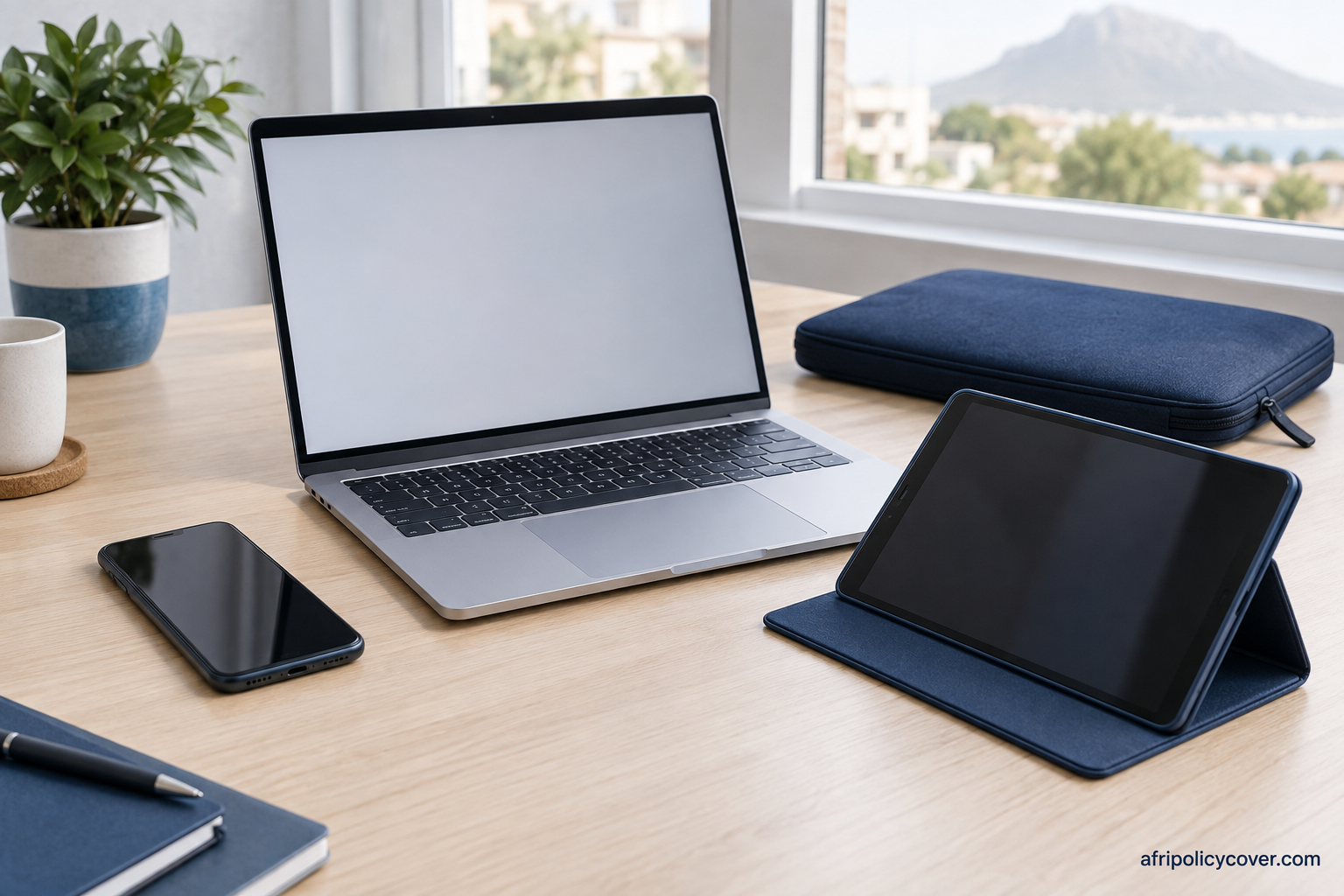
Replace the working kit accurately
For a MacBook, Windows laptop, iPad or Android tablet, record the processor or model generation, memory, storage and connectivity that matter to replacement. Keep serial numbers and current evidence of the equivalent specification.
List accessories individually when required. A stylus, detachable keyboard, charger, portable drive or dock can be a separate item. Do not assume the insured computer value automatically includes its whole bag.
| Item or loss | Record | Insurance question |
|---|---|---|
| Main laptop or tablet | Exact specification, serial and ownership evidence | What equivalent replacement is accepted? |
| Keyboard, stylus and charger | Separate values and purchase records | Must these be individually listed? |
| External storage | Hardware details and backup arrangements | Is only the physical drive insured? |
| Software and files | Licence recovery and independent backups | Is any reinstatement or data recovery actually included? |
| Interrupted work | Continuity plan and alternative equipment | Is a separate business benefit needed? |
| Claim contribution | Repair, total-loss and additional excesses | Can you fund the contribution immediately? |
Before travel—and if something goes wrong
Check the country, length of stay and whether the trip is for work. Naked’s reviewed single-item page describes international cover for up to six months; another policy may use a different period. Read baggage handling and unattended-vehicle conditions before relying on cover while travelling.
If the device is damaged, retain it and request repair authorisation. For theft or loss, notify the provider and follow local police and policy reporting requirements. Keep carrier or accommodation incident reports where relevant and preserve the exact timeline.
After a replacement, update the serial, insured value and associated accessories. At renewal, review new work activities and longer trips. Return to the device shortlist when the current policy no longer matches your working day.
Laptop and tablet insurance questions
How much does laptop insurance cost per month?
Request a quote for the actual value, specification, use, events and excess. The reviewed sample does not establish a comparable universal laptop premium.
Is my laptop already covered by home insurance?
Check its inclusion, limits, the event and location. Theft at home and accidental damage away from home may use different sections.
Can I insure a MacBook or iPad used for business?
Confirm the owner and professional use with the chosen insurer. Record the exact model and specification; the brand alone does not establish eligibility.
Will insurance replace lost files?
Hardware cover does not automatically cover data recovery or lost income. Read any specific benefit and maintain backups independently.
Does cover include a laptop stolen from my car?
Read the vehicle-theft conditions, including storage, locking and required evidence. Do not infer acceptance from a general worldwide-cover statement.
Can a Wi-Fi-only tablet use network insurance?
Ask about that exact model. MTN’s reviewed mobile-device definition requires SIM capability; other products have their own device scope.
Sources and review
Reviewed 9 September 2026 by AfriPolicyCover Editorial. These are general buying and claim checks for South Africa. Accepted wording, the schedule and your disclosed circumstances determine cover. Report a correction or read our editorial policy.
- Naked single-item cover: work and travel
- Budget portable possessions: qualifying policy and specification
- Dialdirect specified portable possessions
- Momentum Select portable belongings
- Santam personal insurance: specified all-risk items
- Pineapple all-risk wording: claims and other insurance
- National Financial Ombud: non-life insurance complaint questions
Compare cellphone and gadget policies